Organize your contacts with groups
Create groups, add many contacts at once, and register a new contact from a QR code.
Steps
Turn on Use CallPalette in the app's Settings first if it is off.
Create a group
- Open the menu (☰) at the top left and choose Create Group.
- Type a name and tap Create. A photo and a color are optional.
Your groups are listed in the Groups tab of the bottom bar. Use the ⋮ next to a group's name (on its row, or after you open the group) to choose Edit or Delete group. To change the order, choose Sort Groups in the menu.
Bulk-add contacts to a group
- Open the group.
- Tap the ⋮ next to the group's name and choose Bulk register.
- Check the contacts you want in the group.
- Tap Save.
Unchecking a contact removes it from this group. The contact itself is not deleted.
Register a contact from a QR code
From the edit screen's menu, scan a QR code to register a contact.
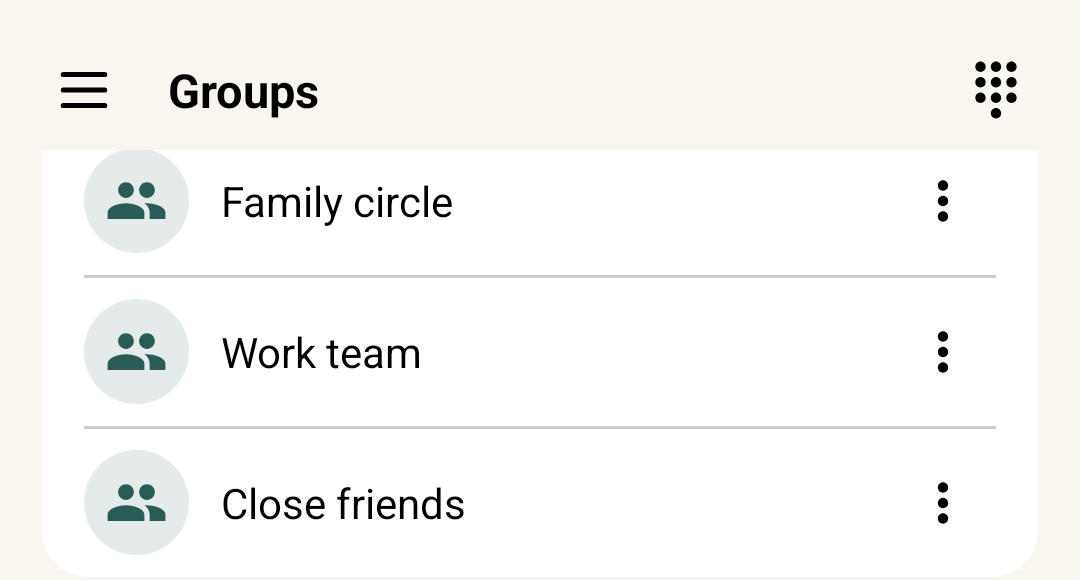
Your groups
Each group has its own row. Tap a group to open it.
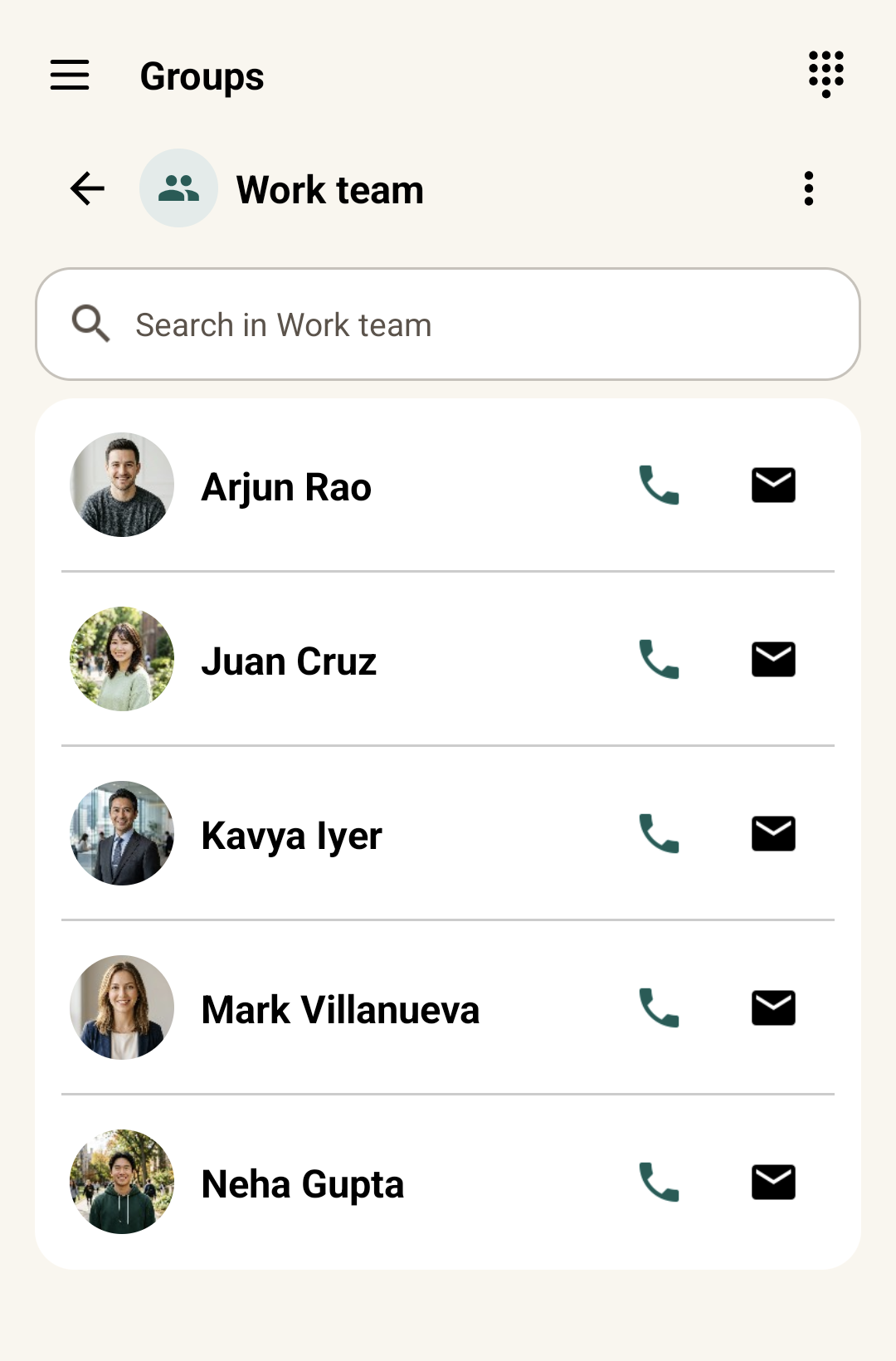
Everyone in the group
Everyone in the group is listed with call and email buttons next to each name.
Cropped screenshots from a real Android phone, using test contacts. People in the photos are AI-generated.
A few things to know.
Can I choose which account the group belongs to?
Yes. The Bulk register screen shows the target account and lets you filter which contacts to show.
Can each group have its own ringtone?
Yes, in the classic view. Turn off Use CallPalette in Settings, open the Groups tab, open a group and tap Set Group Ringtone in the bottom bar. The new CallPalette screen does not have this setting. Turn Use CallPalette back on when you are done.
Does a contact's QR code include its notes?
No. A contact's QR code does not include memo or social and website information.
More guides: save a Google Maps place · birthday reminders · all guides